Turn Any Image into Crisp SVG Vectors
Built for print, laser engraving, embroidery, and Etsy sellers. Upload an image to launch the vector studio with one-click background removal, color editing, and machine-ready exports.

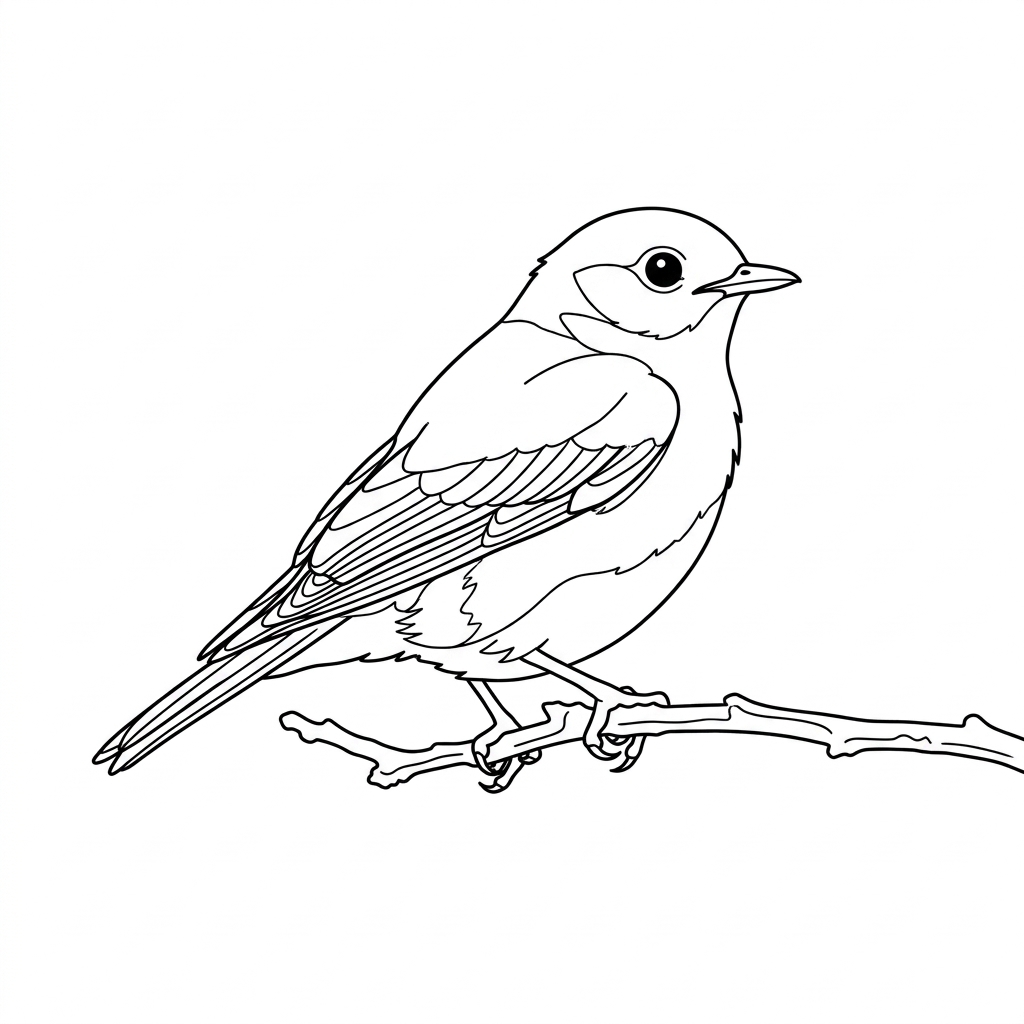
Drop your image here, or click to upload
Supports PNG, JPG, and WEBP (up to 25MB) · Processed locally in your browser
Built for makers, sellers, and design studios
Export clean, standards-compliant files ready to drop straight into design apps and cutting machines.
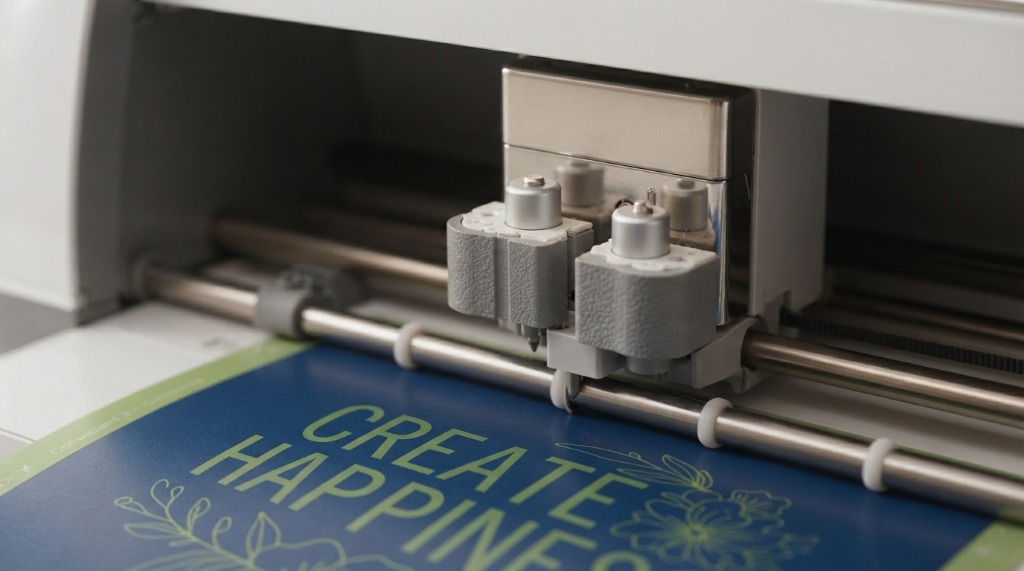 Cricut & Vinyl
 Crafting
Turn artwork and logos into clean SVG and layered vector files you can easily bring into Cricut, Silhouette, and other cutting apps.
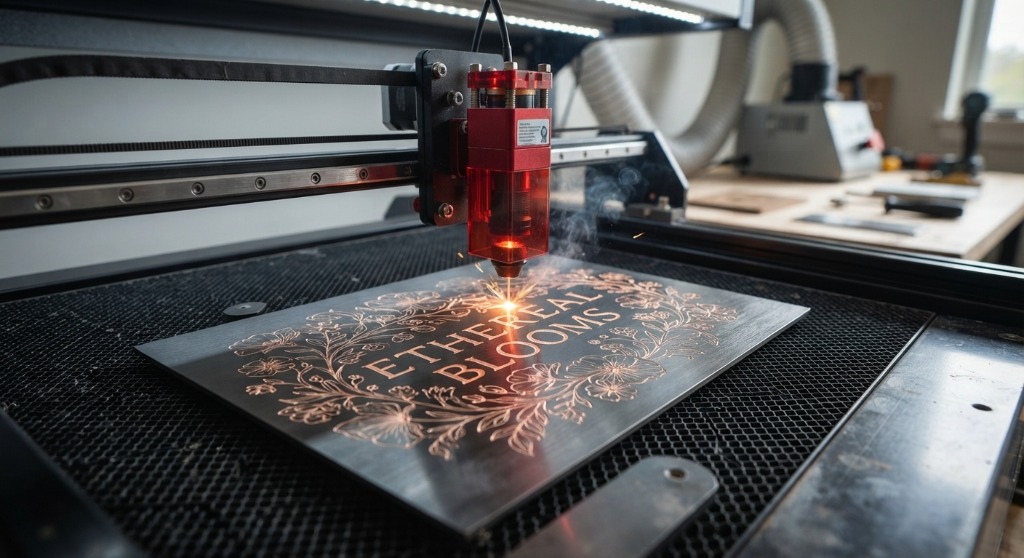 Laser & CNC
 Projects
Convert graphics into clean vector outlines, DXF, and engraving-friendly files for LightBurn and desktop laser workflows.
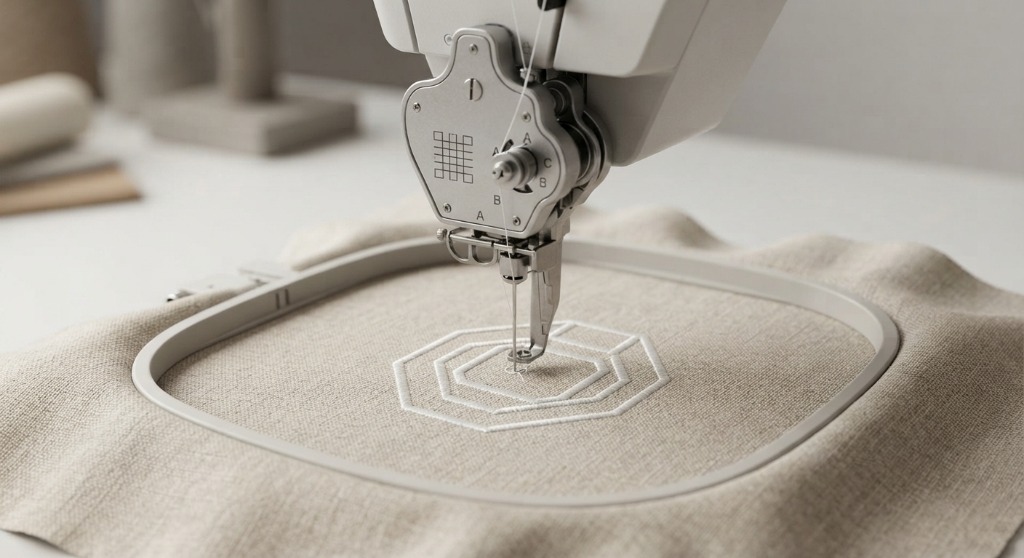 Embroidery
 & Patches
Simplify artwork into clean, reduced-color vector shapes and stitch-friendly exports to speed up your embroidery prep.
 Etsy & Merch
Etsy & Print-on-Demand
Prepare crisp, scalable graphics for digital listings, apparel, stickers, and mugs — with quick product mockups included.
See every crisp curve before you download
Smooth cubic Bézier curves stay razor-sharp at 1000% zoom — zero jagged pixels.
Simple Pricing, Free to Try
Preview your vector before paying · Unused credits roll over · Cancel anytime
- 1 full-quality conversion credit (no watermark)
- All 9 export formats (SVG, DXF, Cricut ZIP, PDF & more)
- Up to 32 colors · Smart Background Removal & Laser 1:1mm
- Pay once — no recurring charges
Unlock full-quality download immediately
- 25 conversions / month (300/year, delivered monthly)
- All 9 export formats + Smart Background Removal
- Up to 32 vector colors & Laser 1:1mm preset
- Unused credits roll over · Cancel anytime
Billed once per year · cancel anytime
- 100 conversions / month (1,200/year, 4x Starter volume)
- Up to 64 vector colors for photo-grade fidelity
- All 9 export formats + Smart Background Removal & Laser 1:1mm
- Unused credits roll over · Cancel anytime
Billed once per year · cancel anytime
Secure checkout powered by Creem · Failed traces never cost credits · Unused credits never expire after cancellation
Frequently Asked Questions
Commercial rights, machine compatibility, and privacy answered clearly
Why is the background kept by default? How do I remove it?
Keeping the background gives you an instant full-frame vector without altering illustrations or scenes. Need a transparent cutout? Just click 'Remove Background & Re-vectorize' inside the editor.
Can I use exported vectors for Etsy and commercial projects?
Yes. You retain 100% commercial rights to every SVG, DXF, DST, and Cricut ZIP you export from CutAnvil — ideal for print, branding, Etsy listings, and physical merchandise.
Do exported files work with LightBurn and Cricut?
Yes. CutAnvil exports standard SVG, DXF, and layered ZIP files designed to import smoothly into popular cutting, laser, and design software.
Are my uploaded images stored on your servers? Do failed runs cost credits?
Never. Your original images are processed locally in your browser and never uploaded. Credits are only deducted when a valid vector file is successfully generated.
Ready to turn your images into cut-ready vectors?
2 free downloads on signup9 pro export formats100% private local processing